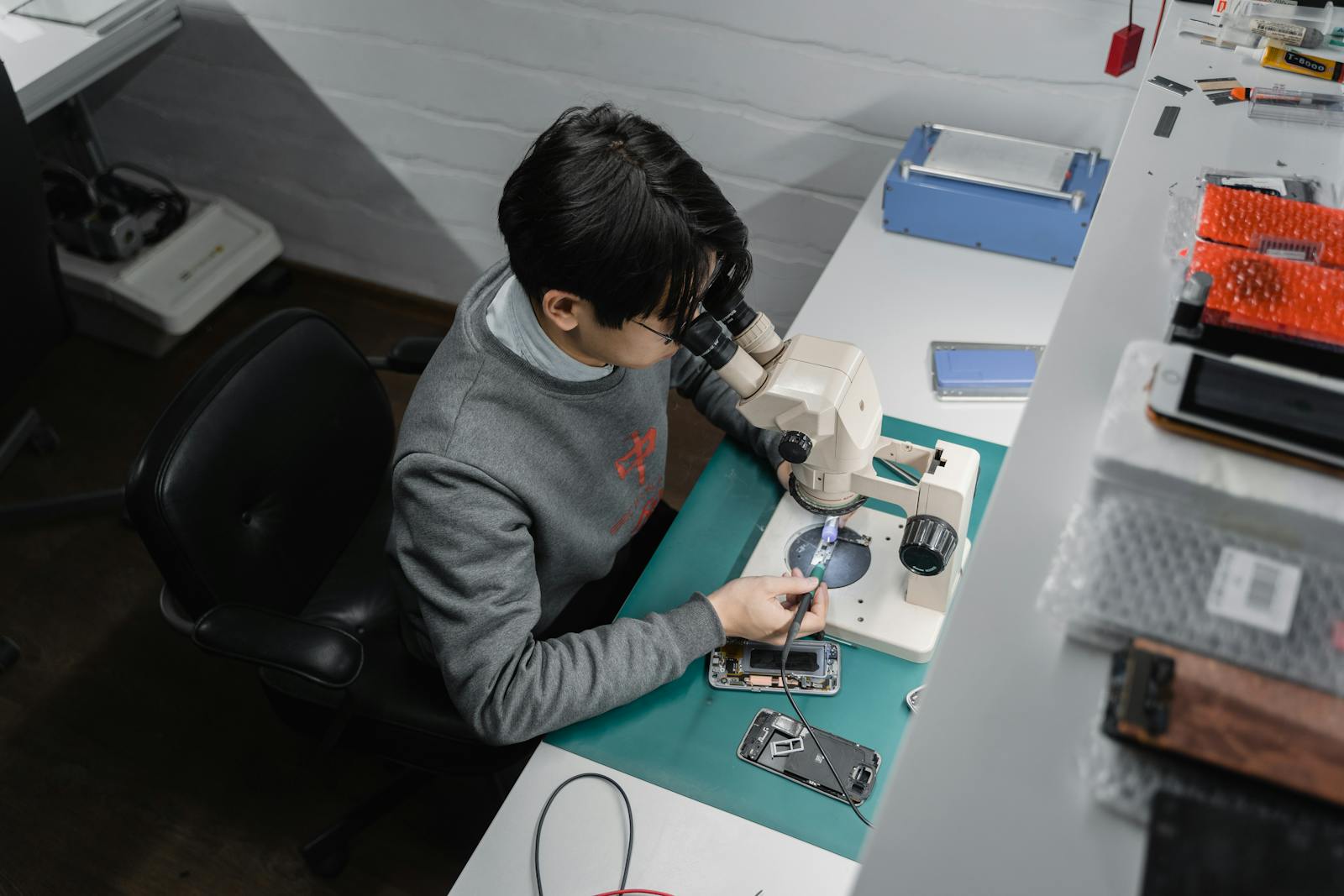
Mobile device repair
Assessment for phone and tablet faults including display damage, charging instability, batteries, cameras, audio and button issues.
View mobile repairSeow Tech helps with mobile devices, computers and electronic equipment by checking symptoms first, explaining the practical repair path and handling devices with care.
The site is organised around three practical repair categories: mobile devices, computers and everyday electronic equipment. Each pathway starts with the fault symptoms and ends with a clear recommendation.
Assessment for phone and tablet faults including display damage, charging instability, batteries, cameras, audio and button issues.
View mobile repair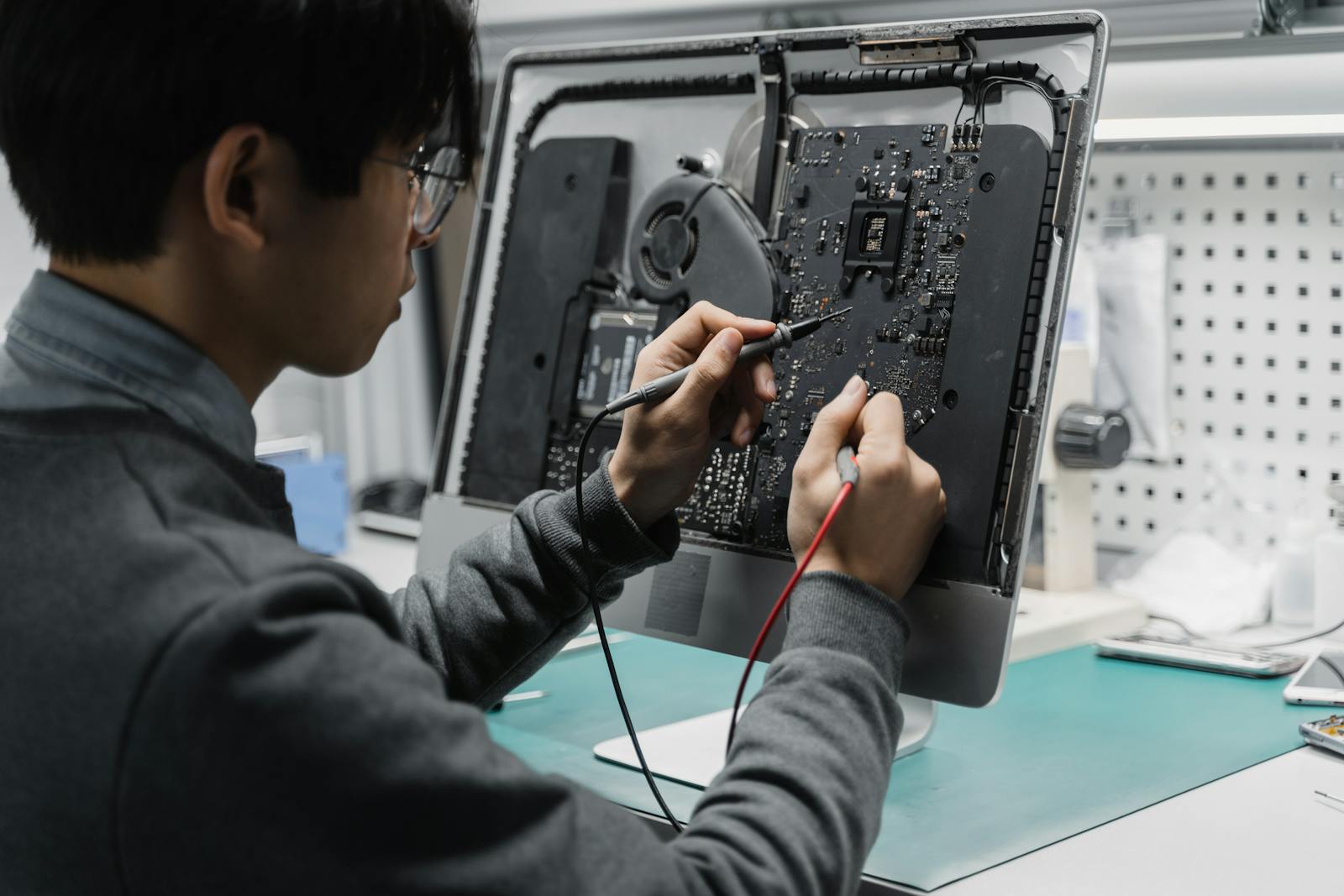
Help for laptops and desktops with startup problems, slow performance, ports, screens, keyboards, storage and system faults.
View computer repair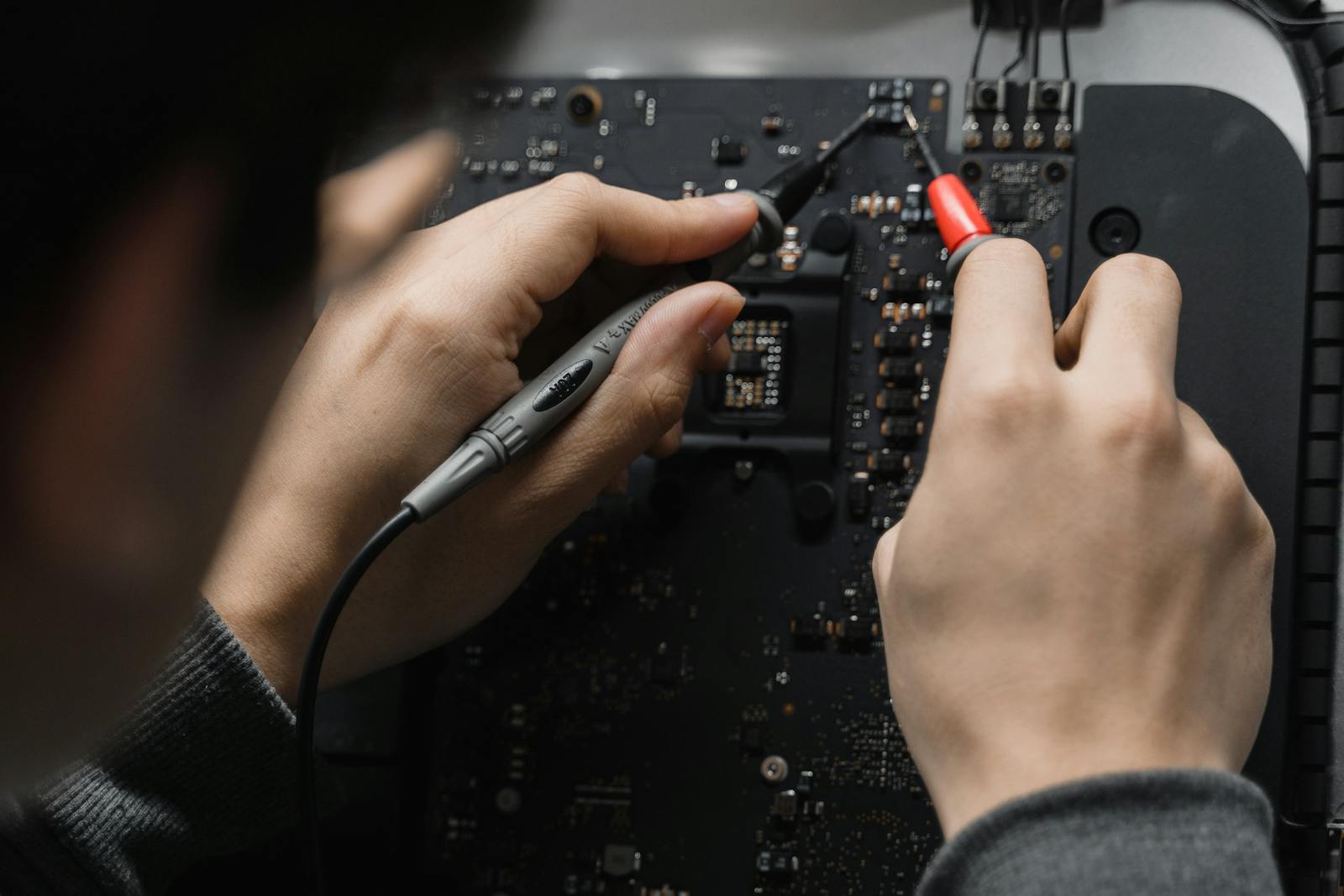
Inspection and practical advice for smaller electronic devices with power, charging, connector or intermittent component symptoms.
View electronics repairA cracked screen, a dead charging port or a slow computer can have more than one cause. Seow Tech focuses on narrowing the likely fault before recommending work.
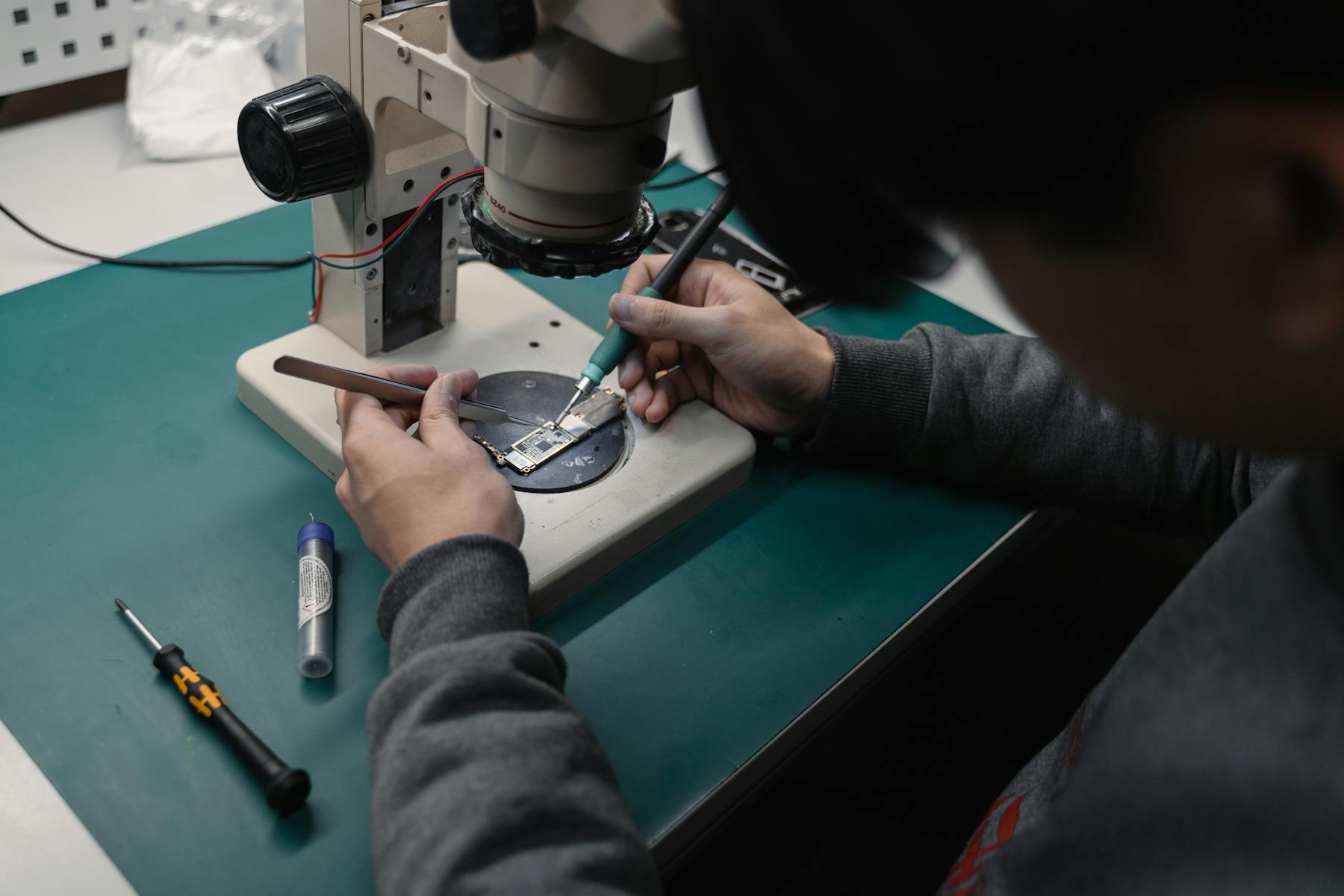
Customers do not need to know the exact component name before getting in touch. A useful enquiry starts with what changed, what the device is doing and what happened before the fault appeared.
Devices that will not turn on, drain quickly, restart unexpectedly or only charge at certain cable angles.
Cracked displays, touch response problems, ghost touch, key faults, trackpad issues or external display failures.
Slow startup, unreliable behaviour, storage warnings, system errors or hardware factors that make a device feel unstable.
Loose charging ports, worn sockets, intermittent accessories, damaged connectors or data transfer problems.
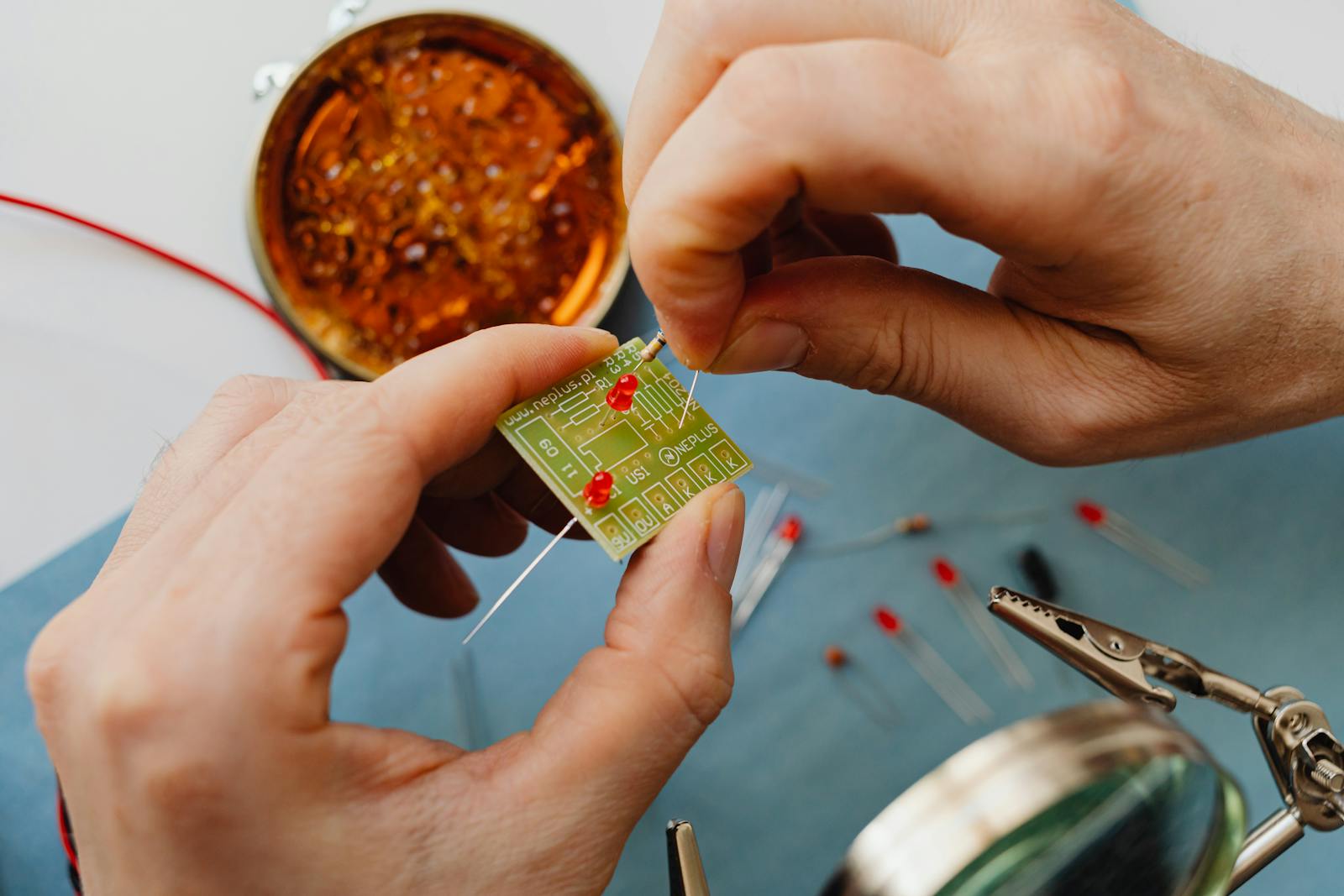
Include the device model, what is happening, when it started, and whether there was impact, liquid exposure or any recent change.